Web Development with AI — Free Guide for Beginners
Learn web development with AI: HTML, CSS, and JavaScript fundamentals plus AI-assisted debugging, without skipping the basics.
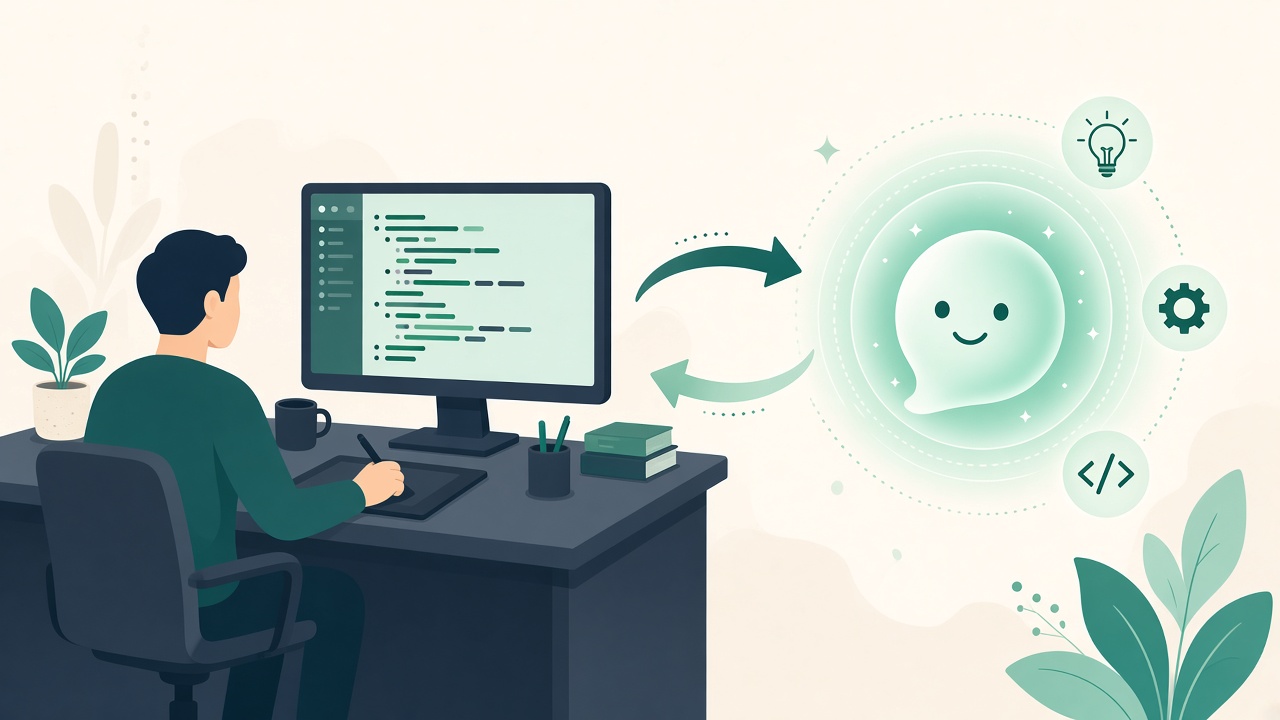
Learning Web Dev in the AI Era
A founder used an AI site builder for a launch page. It looked fine in Chrome on a laptop. On a phone, text overlapped; a screen reader read buttons as plain text. Web development with AI still demands someone who knows HTML, CSS, and JavaScript — not someone who only knows generate.
Web development with AI means shipping faster — not skipping HTML, CSS, and JavaScript. AI helps generate boilerplate and explain bugs; you still need to read the DOM, understand layout, and verify accessibility.
Why web development with AI Matters
Connects /learn/web-development and coding free hubs to AI content for topical authority.
The Story Behind web development with AI
What still matters when AI writes boilerplate
AI can scaffold components and suggest CSS, but browsers still parse your HTML, apply your cascade, and run your JavaScript event listeners. If you cannot read those layers, every AI edit is a blind edit.
Semantic HTML, layout with Flexbox and Grid, fetch and DOM events, performance, and accessibility remain non-negotiable for professional work. AI accelerates drafting; humans verify behavior across devices and assistive tech.
Web development with AI is a multiplier on fundamentals — not a substitute for them. Careers are built on debugging weird layout bugs at midnight, not on one-click deploy fantasies.
A free study plan that keeps you honest
Finish HTML and CSS free tutorials, then build a static landing page by hand — no component library yet. Type the tags yourself so structure sticks.
Ask AI to review semantics and accessibility: heading order, alt text, focus states, color contrast. Fix issues manually; do not accept patches you cannot explain.
Add JavaScript interactivity: toggles, form validation, fetch to a public API. Use AI to propose tests or explain console errors, not to generate the entire app unseen.
Healthy AI habits for frontend learners
Use AI for refactors you understand, test ideas, and translate stack traces into plain language. Avoid skipping exercises because a model can finish them — interviews and on-call shifts will not have that shortcut.
Test keyboard navigation and screen readers on critical flows. AI rarely volunteers a11y gaps; you must ask and then verify with tools.
Pair /learn/web-development with /tutorials/html, CSS, and JavaScript tracks on Sturdee, then explore the Web Dev with AI skill path for workflow patterns.
- Semantic HTML first
- Layout literacy (Flexbox/Grid)
- JS events and fetch basics
- AI for review and tests, not first drafts of fundamentals
- Performance and a11y checks before ship
Builders versus careers
AI website builders are fine for prototypes and marketing experiments. If you want a web career, learn the underlying languages even while using builders — otherwise you cannot fix what breaks in production.
When AI generates CSS, watch for specificity wars and duplicate utilities. When it generates JS, watch for missing error handling on fetch.
Ship small sites publicly. Write short case studies about what AI helped with and what you verified manually. That story resonates with hiring managers tired of pure vibe-coded portfolios.
What Still Matters in Web Development
- Semantic HTML first
- CSS layout (Flexbox/Grid) literacy
- JavaScript events and fetch
- AI for refactors and tests
- Performance and a11y as non-negotiables
Free Web Dev + AI Study Plan
- Finish HTML + CSS free tutorials
- Build a static landing page by hand
- Ask AI to review semantics and a11y
- Add JavaScript interactivity
- Use AI to write tests, not the whole app
Web Dev Paths on Sturdee
Use /learn/web-development, /tutorials/html, and the Web Dev with AI skill path.
Takeaways — What to Do Next
Web development with AI means you learn HTML, CSS, and JavaScript deeply, then use AI to review, test, and accelerate — always verifying in browsers and assistive technologies before you call it done.
Web Development with AI — FAQ
Frequently Asked Questions
Can AI build my whole website?+
It can draft one. Maintaining, securing, and making it accessible still requires web fundamentals.
Should beginners use AI website builders?+
Fine for prototypes. If you want a web career, learn HTML/CSS/JS alongside any builder.
Which AI uses are safest while learning?+
Accessibility reviews, explaining console errors, suggesting test cases, and refactoring code you already understand.
Do I still need to learn responsive design?+
Yes. AI layouts often break on small screens until a human adjusts breakpoints and typography.
Where should I start on Sturdee?+
Use /learn/web-development for orientation, then /tutorials/html and related tracks, plus the Web Dev with AI skill path.
Continue learning interactively
/learn/web-development →