Learn to Code with AI — Beginner’s Guide
Learn to code with AI without outsourcing thinking. Use AI tutors for explanations while you practice HTML, JavaScript, and Python for free.
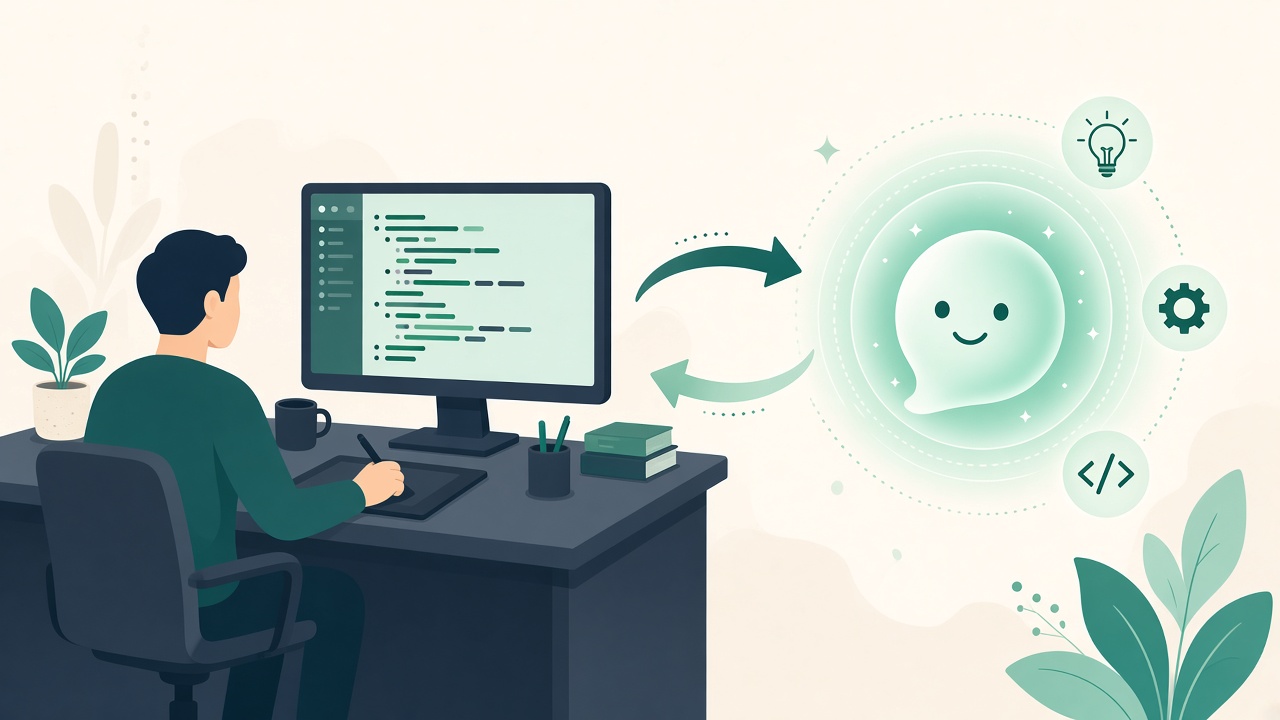
Should Beginners Learn to Code with AI?
Sam asked ChatGPT to build an entire todo app on day one of learning JavaScript. The app ran — until it did not. When the checkbox broke, Sam had no map of the DOM, no habit of reading errors, and no way to tell whether the bug lived in HTML, CSS, or JS. Learn to code with AI works when AI is the coach, not the author.
Learning to code with AI works when AI explains and reviews — not when it writes everything for you. Use free interactive tutorials for deliberate practice, then ask an AI tutor why something failed. That combination beats either pure AI dumping or staring at docs alone.
Why learn to code with AI Matters
“Learn to code with AI” sits between coding education and AI tools. Articles that teach process (read error → hypothesize → ask AI → re-implement) outperform generic ChatGPT tip lists.
The Story Behind learn to code with AI
The temptation to outsource thinking
AI coding assistants tempt beginners with instant green checkmarks. Paste a spec, get a repo, move on. That shortcut collapses the first time requirements change, dependencies update, or an interviewer asks you to trace a function line by line.
Healthy learn-to-code-with-AI habits treat the model as an explainer and reviewer. You still type syntax, run tests, and read stack traces. AI fills gaps when you are stuck — not when you have not tried.
The goal is not to avoid AI; it is to avoid learned helplessness. Developers who thrive with copilots can articulate what they wanted, verify what they got, and refactor what they do not understand.
A daily routine that compounds skill
Pick one free track — HTML/CSS for web visuals or Python for scripts and APIs. Complete a lesson without AI first. Struggle for at least fifteen minutes before opening a chat. That friction builds retrieval memory.
When you ask for help, request hints before full solutions. “What is wrong with my loop?” beats “write the whole function.” Ask the AI to quiz you on the lesson: three questions, no answers until you attempt them.
Ship a tiny project weekly: a landing page, a CLI script, a fetch call to a public API. Start without AI for the skeleton; use AI to review accessibility, suggest tests, or explain a cryptic error message.
- Lesson first, AI second (15-minute rule)
- Hints before full solutions
- Explain-the-code test after every AI assist
- Bugs journal of errors you fixed yourself
Verification: docs, tests, and the line-by-line rule
Models hallucinate APIs and import paths. Verify against official docs. Run the code. If you use AI-generated tests, make sure you understand what they assert — fake confidence is worse than no tests.
Adopt the line-by-line rule: if you cannot explain each line after AI helps, rewrite it in your own words and variable names. That exercise converts pasted code into owned knowledge.
Sturdee’s free tutorials plus optional AI Tutor mirror this loop: structured practice on the site, on-demand explanation when you are stuck on Pro.
Mistakes that stall beginners — and how to recover
Copy-pasting full apps before learning variables and control flow creates brittle confidence. Skipping fundamentals makes every framework feel like magic. Not reading error messages turns every bug into a panic prompt.
Recovery is simple but not easy: return to the smallest working example, compare to your broken code, and ask AI to explain the diff — not rewrite the universe.
Learn to code with AI is a partnership. You bring intent and verification; the model brings speed and alternative explanations. Over months, the partnership flips: you lead design, AI accelerates implementation.
Healthy AI + Coding Habits
- AI for explanation and rubber-ducking
- You still type and run the code
- Ask for hints before full solutions
- Verify AI code against docs and tests
- Build small projects weekly without AI first drafts
A Free Learn-to-Code-with-AI Routine
- Pick one free track (HTML/CSS or Python)
- Complete a lesson without AI first
- Use AI only when stuck for 15+ minutes
- Ask AI to quiz you on what you learned
- Ship a tiny project (page, script, or API call)
AI Coding Mistakes That Stall Progress
- Copy-pasting AI code you don’t understand
- Skipping fundamentals (variables, control flow, DOM)
- Never reading error messages
- Asking for full apps before learning syntax
Free Coding Tutorials + AI Tutor
Start free tutorials at /tutorials, then use /ai (Pro) when you want an AI coding tutor on demand.
Takeaways — What to Do Next
Learn to code with AI by keeping your hands on the keyboard: tutorials for reps, AI for targeted help, verification always. You will ship faster than either pure solo study or pure AI generation — and you will survive the first real bug in production.
Learn to Code with AI — FAQ
Frequently Asked Questions
Will AI replace learning to code?+
No. AI accelerates people who can specify, debug, and evaluate. Those skills still require practice.
What’s the best language to learn with AI first?+
JavaScript or Python. Both have huge free tutorial coverage and pair well with AI explanations.
Should beginners use GitHub Copilot or similar?+
After basics. Copilot helps when you can judge suggestions. Turn it off for your first syntax lessons.
How do I know if I am over-relying on AI?+
If you cannot rebuild today’s exercise tomorrow without chat, redo it manually once. That reset is cheaper than interviewing unprepared.
Where should I practice for free?+
Start at /tutorials for interactive tracks, /learn/coding-free for orientation, and /ai on Pro when you want a coding tutor on demand.
Continue learning interactively
/learn/coding-free →