AI Automation for Beginners — Practical Workflows
Learn AI automation for beginners: pick a repetitive task, design prompts, connect tools, and measure time saved with simple workflows.
What Is AI Automation?
Every Friday, Priya copied survey comments into a spreadsheet, tagged themes, and drafted a summary for leadership — two hours of mechanical work. She did not need an agent swarm; she needed a prompt template, a CSV export, and a rule that nothing emailed until she clicked approve. That is AI automation for beginners.
AI automation means using models inside repeatable workflows — not one-off chats. Beginners should automate annoying, frequent tasks: summaries, first drafts, triage, and research packs.
Why AI automation for beginners Matters
Automation keywords convert learners into skill-path users and cohorts. Practical weekly workflows outperform abstract “future of work” essays.
The Story Behind AI automation for beginners
Automation is a workflow, not a chat
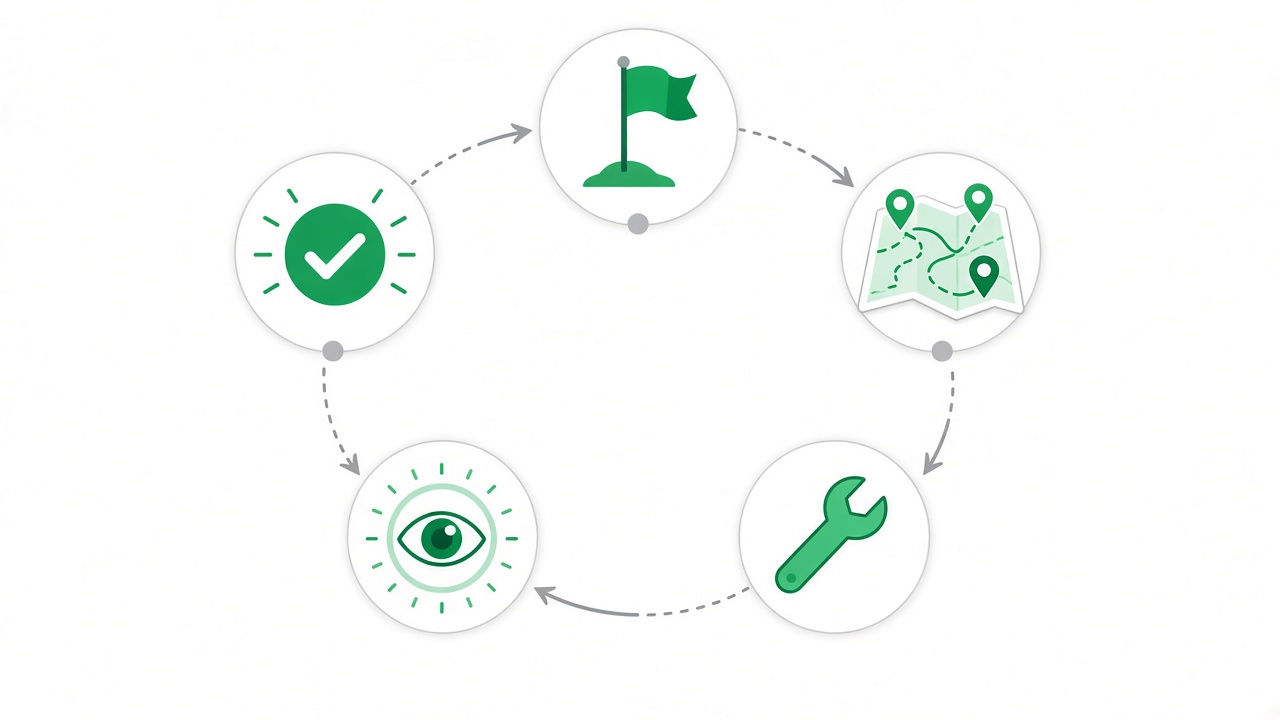
AI automation means embedding models inside repeatable pipelines: trigger → transform → output → review. One-off chats do not count — they do not scale, measure, or improve.
Beginners should target annoying, frequent, template-like tasks: inbox triage labels, first-draft meeting notes, research packs with citations, weekly KPI narratives. These tasks have clear inputs and formats — perfect for prompts with variables.
Map the task as Input → Transform → Output → Review. AI owns Transform once the prompt is stable; you own Review until error rates prove you can relax oversight.
Designing your first reliable template
List five tasks you repeat weekly. Score them by frequency, templateness, and downside risk if wrong. Automate high-frequency, low-risk tasks first.
Write a prompt with slots: {customer_name}, {ticket_body}, {tone}. Force output structure — JSON keys, markdown sections, or fixed bullet counts — so downstream tools can parse results.
Run the template ten times with real inputs. Log failure modes: hallucinated fields, wrong tone, ignored constraints. Fix the prompt before you connect Zapier, Make, or a script.
Human review and metrics that matter
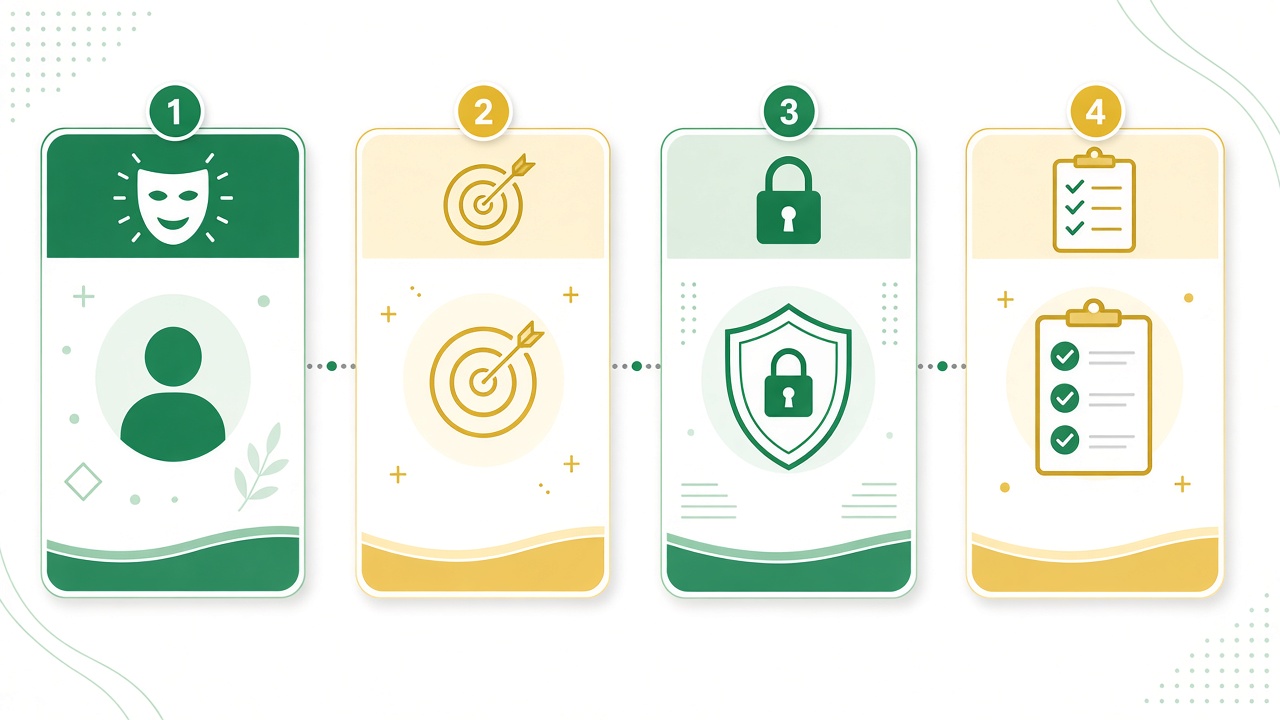
Add a checklist review before anything sends externally: factual claims, names, numbers, policy compliance. Automation without review is how confident mistakes reach customers.
Track time saved per week and error rate after review. If review catches issues on more than one in ten runs, tighten the prompt or add retrieval — do not remove the human.
Security: never paste secrets, private customer data, or unreleased financials into consumer models without enterprise agreements and redaction rules.
- Triggers: schedule, form submit, inbox label
- Prompt templates with explicit output schema
- Review checkpoint before external actions
- Metrics: minutes saved, defects caught in review
When to add tools beyond chat
Start with chat plus spreadsheets — cheapest learning loop. Add automation platforms when the prompt passes ten diverse tests and you want triggers without writing code.
Scripts in Python or JavaScript make sense when you need custom validation, API calls, or logging. Light coding tutorials on Sturdee bridge that gap when you are ready.
Browse AI Automation skill topics and practice templates with AI Tutor on Pro to get critique before you wire production triggers.
Workflow Building Blocks
- Triggers (schedule, form, inbox)
- Prompt templates with variables
- Human review checkpoints
- Metrics: time saved, error rate
- Security: never paste secrets into public models
Automate Your First Task This Week
- List 5 tasks you repeat weekly
- Pick the most template-like task
- Write a prompt with clear output format
- Run it 10 times; note failure modes
- Add a checklist review before sending anywhere
AI Automation Practice Path
Browse AI Automation skill topics on Sturdee and practice prompt templates with AI Tutor on Pro.
Takeaways — What to Do Next
AI automation for beginners is disciplined prompting plus review plus measurement — not flashy agents on day one. Ship one template, prove ten clean runs, then connect triggers and celebrate minutes returned to your week.
AI Automation — FAQ
Frequently Asked Questions
What tools do beginners need for AI automation?+
Start with ChatGPT/Claude plus spreadsheets. Add Zapier/Make or scripts only after the prompt is reliable.
Is AI automation safe for work data?+
Follow your company policy. Prefer enterprise plans and redact personal data when using consumer tools.
How do I know a workflow is ready to automate?+
When a prompt succeeds on ten diverse real inputs and review catches fewer than one serious defect per ten runs.
Should I automate customer-facing emails first?+
No. Start with internal drafts and summaries until error rates are measured and low.
What is the difference between automation and an agent?+
Automation follows a fixed template and path. Agents plan dynamic steps and call tools in loops — higher power, higher risk.
Continue learning interactively
/skills →